Infinix Activation Check
Individuals who are planning to buy or already have an infinix device should definitely run an infinix activation check as it helps understanding that your device is not repackaged or a stolen unit. People in Pakistan are actively choosing Infinix smartphones due to their affordable prices and top-notch features. But it’s always better to be cautious from where you buy your smartphone, especially the new one. When buying a new infinix mobile it’s best to open it at the spot and perform the infinix activation date check so you know that you are not getting scammed. If the activation date of your device is not matching the day you bought it or activated it then it must be a used or repackaged device. Beware of these kinds of scammers and frauds and come to authorized infinix sellers in Pakistan; Infinix.pk we offer 100% genuine, PTA approved and non-activated devices at the lowest prices in the country. Here you can perform an online infinix activation check easily and get to know that your device is pre-activated or not.
How to Check Infinix Mobile Activation?
The process is super simple even for non-tech savvy individuals. It not only informs you about the activation date of your smartphone but also lets you check infinix warranty online. You don’t have to wait for hours or even have to search for the receipt or bill of your mobile phone. You just need your phone’s IMEI number. There are several ways of doing that:
- First is to dial the Infinix mobile check code which is *#06#
- The second one is to check through the sticker on your phone’s box
- And the third one is to check from your phone’s settings, by clicking on the ‘About Phone’ option
Infinix Activation Date Check
Infinix online warranty check and activation date checking process is somewhat similar in Pakistan. No matter if you are an individual looking to check if your mobile is pre-activated or want to perform an online warranty check infinix, the process for both is the same:
- Take out your phone and dial the infinix phone check code; *#06#
- The moment you dial this code a new window or screen will open instantly
- That window or screen contains the 15-digit IMEI number of your device, take a screenshot or note that number down.
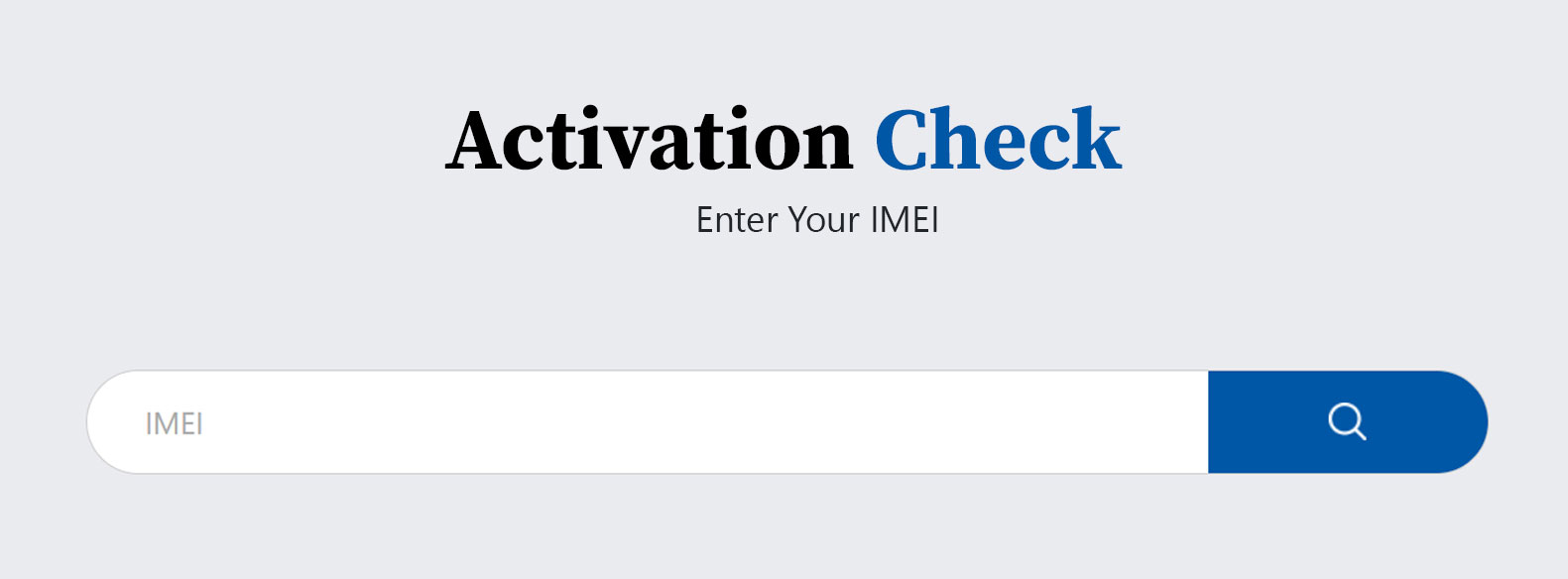
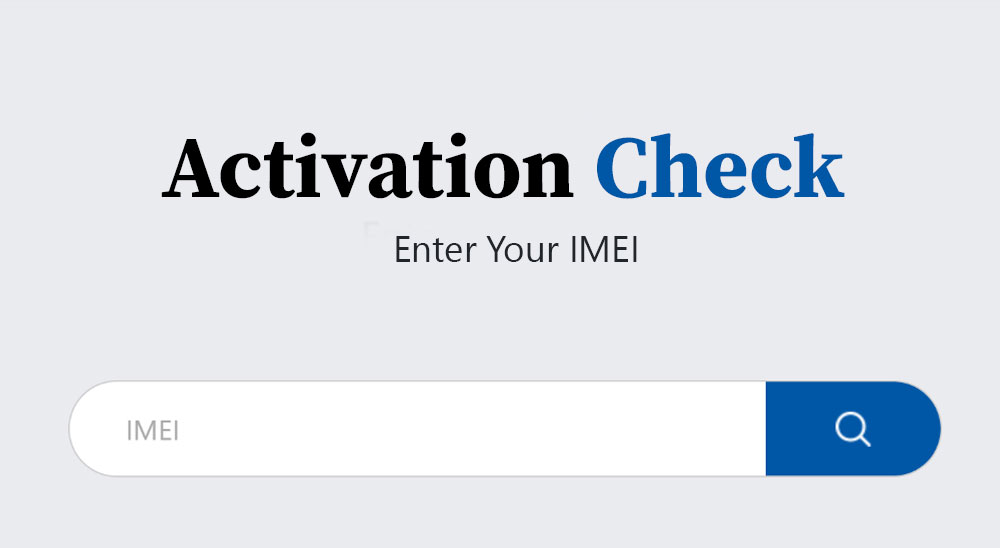
- Then click on our Carlcare online activation check portal from this page. Carlcare is the official after-sales service provider for Infinix devices in Pakistan. They also handle all the claims after you check the infinix warranty check online.
- That will take you to the official Carlcare online portal, enter your complete IMEI number carefully on that page and press the search button
- The moment you press the search button you’ll instantly get to see the details like warranty status, activation date and warranty expiring date.
- If your mobile phone is new and you have connected it to the internet only recently, then the status will show this message ‘Device activation is in progress insert sim card and use it online for a while then the device will be activated automatically’.
Check Infinix Activation from Carlcare Service Center
There’s another way to check your mobile phone activation which is by visiting your nearest Carlcare service center. It is the same way many people choose to warranty check infinix mobile physically. This method is for those who can’t operate smartphones that much to check the activation status online. Carlcare has numerous service centers across Pakistan and by choosing your nearest one you can plan when to visit. Their working hours are usually from 10:00 AM to 6:00 PM. Visit them at the time suitable for you and tell the staff at the reception that you are here for the infinix activation check. They’ll ask for your device and will check the records in their system and they will provide you with the detailed information regarding the activation date of your smart phone along with the infinix warranty status. Via this method you’ll also be able to ask any possible questions you have regarding the warranty coverage or claims of your smartphone.
How to Check if your Infinix Mobile is PTA Approved?
Another important thing regarding the authentication of infinix devices is people’s concern that their smartphone is PTA approved or not. We would like to inform you that the infinix PTA check process is also very simple, you don’t need to gather documents or visit any office. You can do it easily from the comfort of your home:
- Copy your IMEI number by dialing the IMEI check code; *#06#
- Open your browser and visit the website; PTA dirbs
- On that page enter your 15-digit IMEI number in the given empty field, tick mark the reCAPTCHA box and press the ‘Check’ button.
- Within seconds you’ll get the infinix PTA check status. If your device in PTA approved you see the message ‘Your mobile device (IMEI number) is compliant (PTA approved/registered). This IMEI is of (your phone’s name.)
- If your Infinix phone is not PTA-approved, you’ll see the message ‘Your device is Non-Compliant or Blocked’ and may also show the unpaid tax amount.
FAQs
How to activate my new Infinix mobile phone for the first time?
Your new infinix phone will activate automatically when you start using it with a SIM or connect it to the internet. Select the language, enter your google account and follow the steps that appear on the screen.
What is the correct infinix activation check process?
The correct way to check your infinix phone activation is to enter your 15-digit IMEI number to the Carlcare activation checking portal. From there you’ll get to know the activation and warranty status of your device.
How to check infinix warranty online?
For an infinix online warranty check, you need your phone’s 15-digit IMEI number and then visit the Carlcare warranty portal. Enter your IMEI number there and press search. You’ll instantly get to see your phone warranty status.
What is the infinix mobile check code?
To check the activation status or warranty coverage of your device you need your IMEI number and for that you can dial this code in your phone app or calling app. The IMEI code for infinix phone is *#06#.
How to know if my infinix phone is activated or not?
When you check the activation status of your phone online from using your IMEI number, you’ll get to see details like warranty status, activation date and warranty expiring date. If activated recently you might see the activation in progress message.
How can I check if my infinix phone is PTA approved or not?
You can check if your infinix phone is PTA approved or not by visiting the PTA DIRBS website. On that page you have to enter your 15-digit IMEI number in the given field. If you get the message of ‘Your mobile device is compliant (PTA approved/registered)’ then its PTA approved but if you see Non-Compliant or Blocked then it is not approved and you might have to pay the tax.